Here you'll find the different steps for creating an Administrator account on the Swile Travel platform.
- First, you’ll receive an email titled “Create your account on Swile Travel”
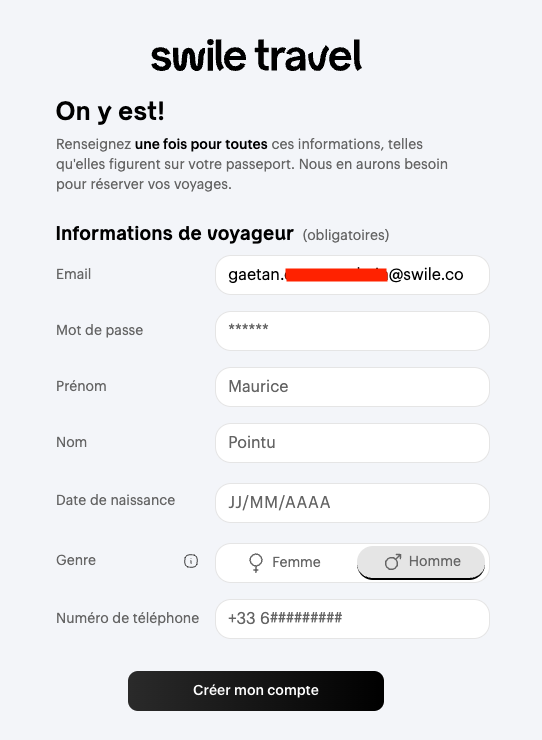
- In this email, click on Create my account on Swile Travel, then enter your personal details. These details will be used for your bookings, so it’s important to enter them exactly as they appear on your ID documents.
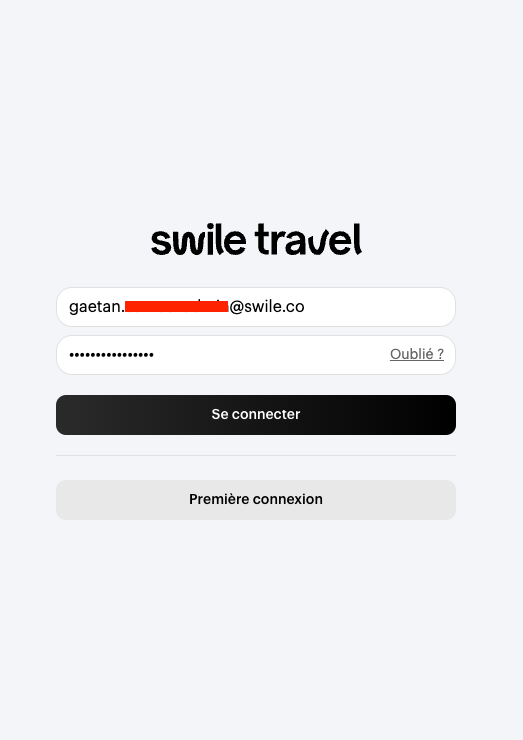
- You’ll then be redirected to the Swile Travel platform login page. Enter your login details as set up in the previous step.
Congratulations! You now have access to the Swile Travel platform 🙌 Before you start making bookings, just follow these next steps (promise, you’re nearly done 🚀):
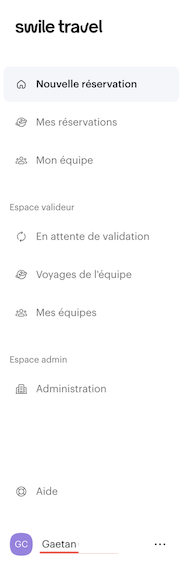
- Go to your profile to finish the last details by clicking on your name at the bottom left.
Here you’ll find all the information you entered when creating your account. Feel free to browse the tabs to update your passport or driving licence details.
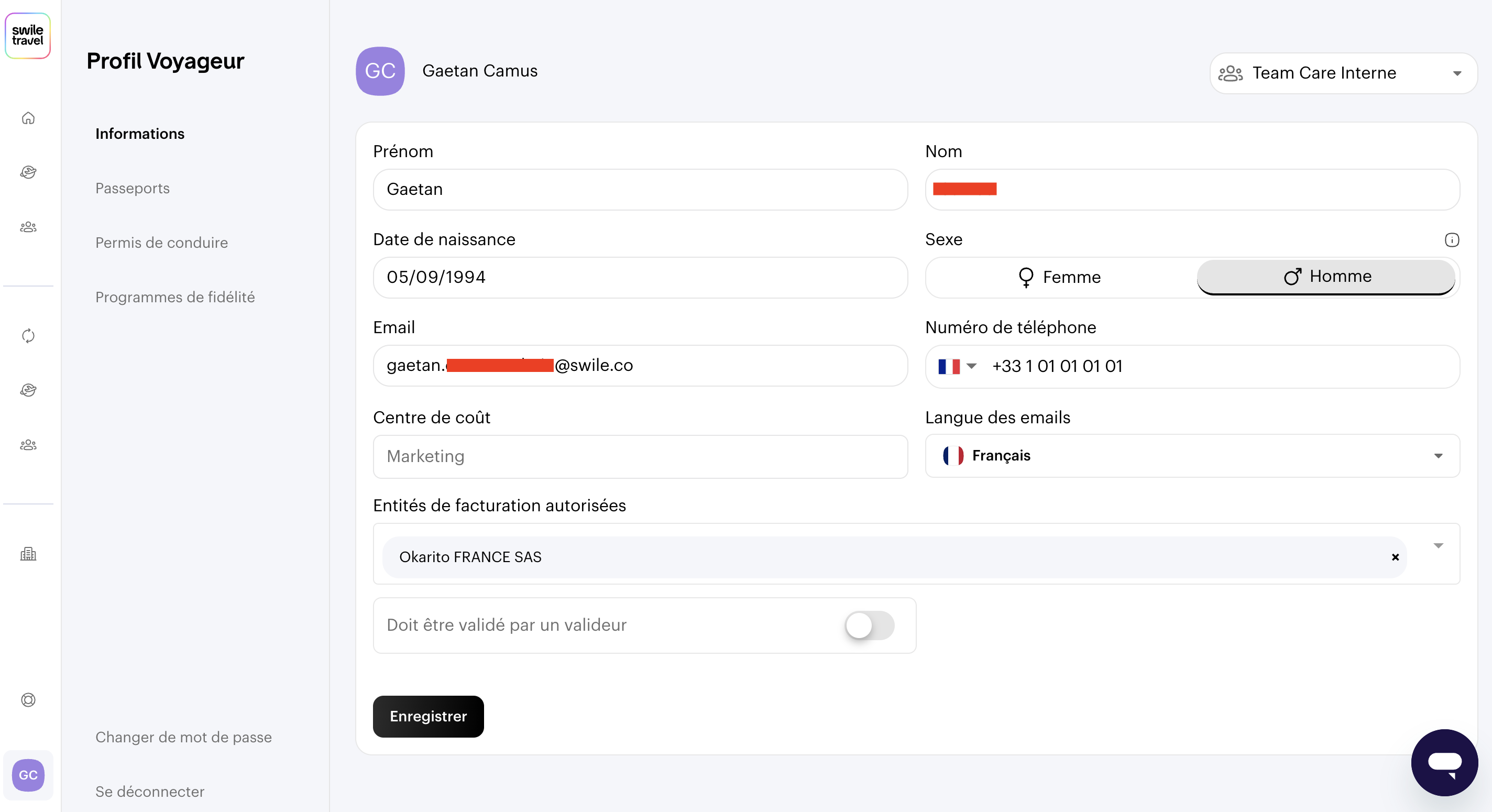
You can update this information at any time ✍️.
You’re now ready to start making bookings! 🤩
Comments
0 comments