To log in to the Swile app, you can enable Face ID Authentication (on iPhone) or Biometric Login (on Android) if your phone supports this technology.
Here's how:
- In your Swile app, go to the Menu
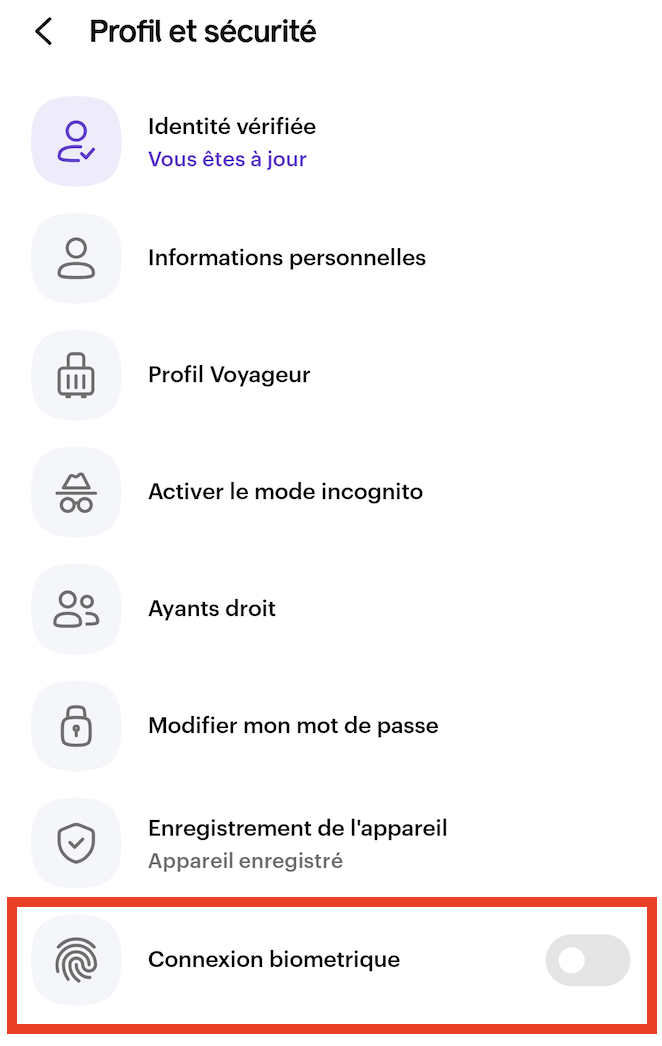
Tap on Profile and Security
Tap the switch next to Face ID Authentication or Biometric Login 👉 When the switch turns dark, the option is enabled ✅
Comments
0 comments