As a future Swile Travel administrator, you'll go through a two-step process: creating and activating your account, then completing your profile before making your first bookings. This article explains each step in detail.
🔑 How do I create and activate my Swile Travel administrator account?
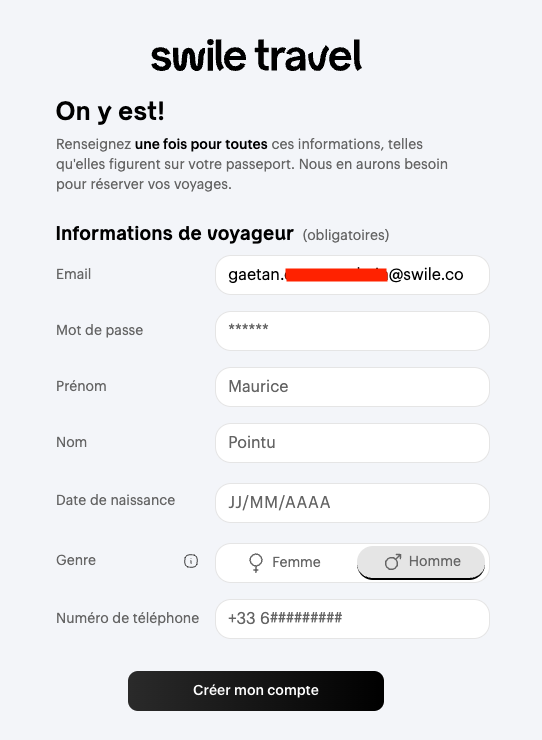
- Step 1: To create your Swile Travel administrator account, open the email Create your account on Swile Travel that you receive, then click on Create my account on Swile Travel.
- Step 2: Enter your personal details. These are used for your bookings: make sure you enter them exactly as they appear on your ID documents.
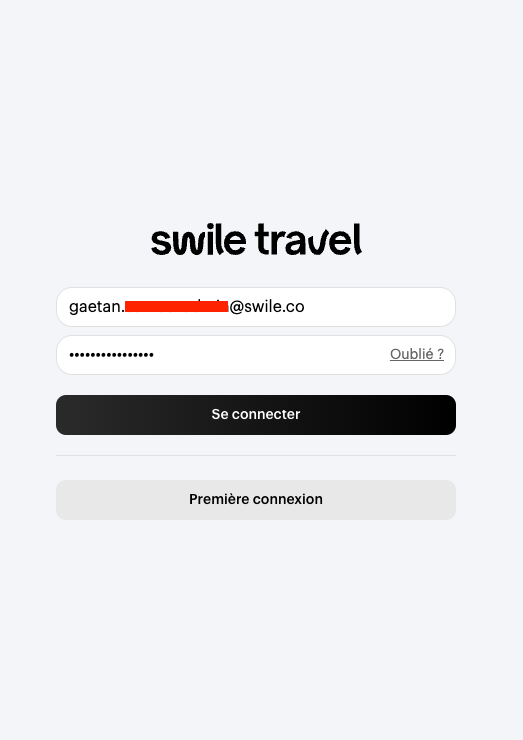
- Step 3: Log in on the Swile Travel login page you’re redirected to, using the login details you set up in the previous step.
👤 How do I complete my profile before booking on Swile Travel?
Your Swile Travel administrator account is now active. Before making any bookings, complete your profile.
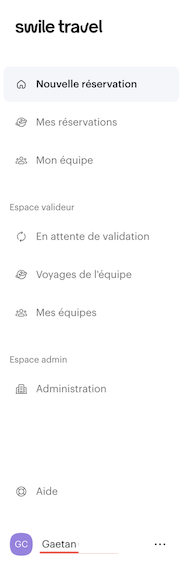
- Go to your profile by clicking your name at the bottom left.
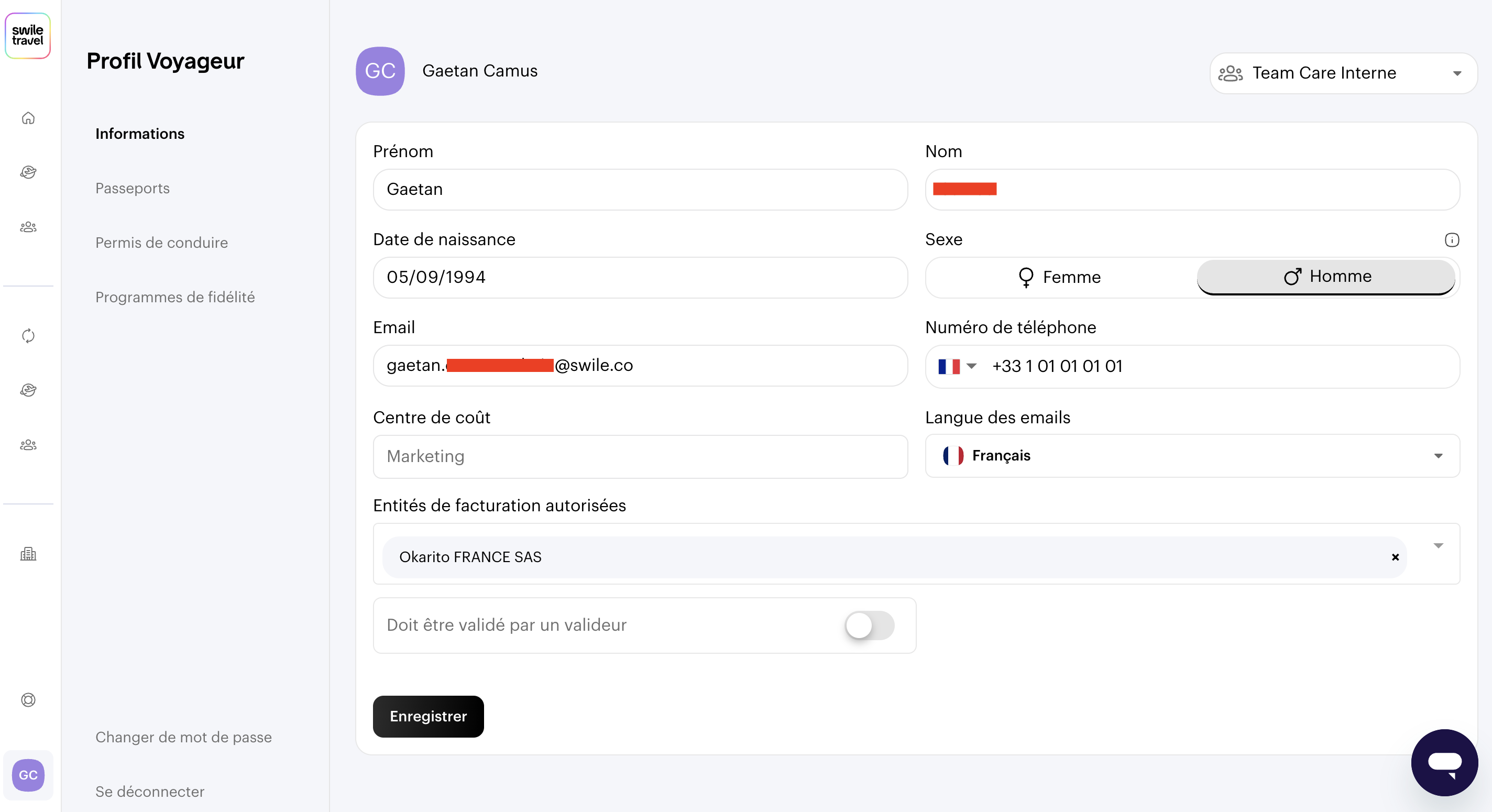
- You'll find all the information you entered when creating your account. Browse through the tabs to update your passport or driving licence.
💡 Good to know
You can update your Swile Travel profile information at any time.
✅ You’re all set
Your Swile Travel administrator account is active and your profile is complete: you can now make your bookings.
Comments
0 comments