Here are the steps for a Validator or Administrator to find their team/organisation's bookings. 🙌
👩💻 Access bookings as a validator
From the Okarito website
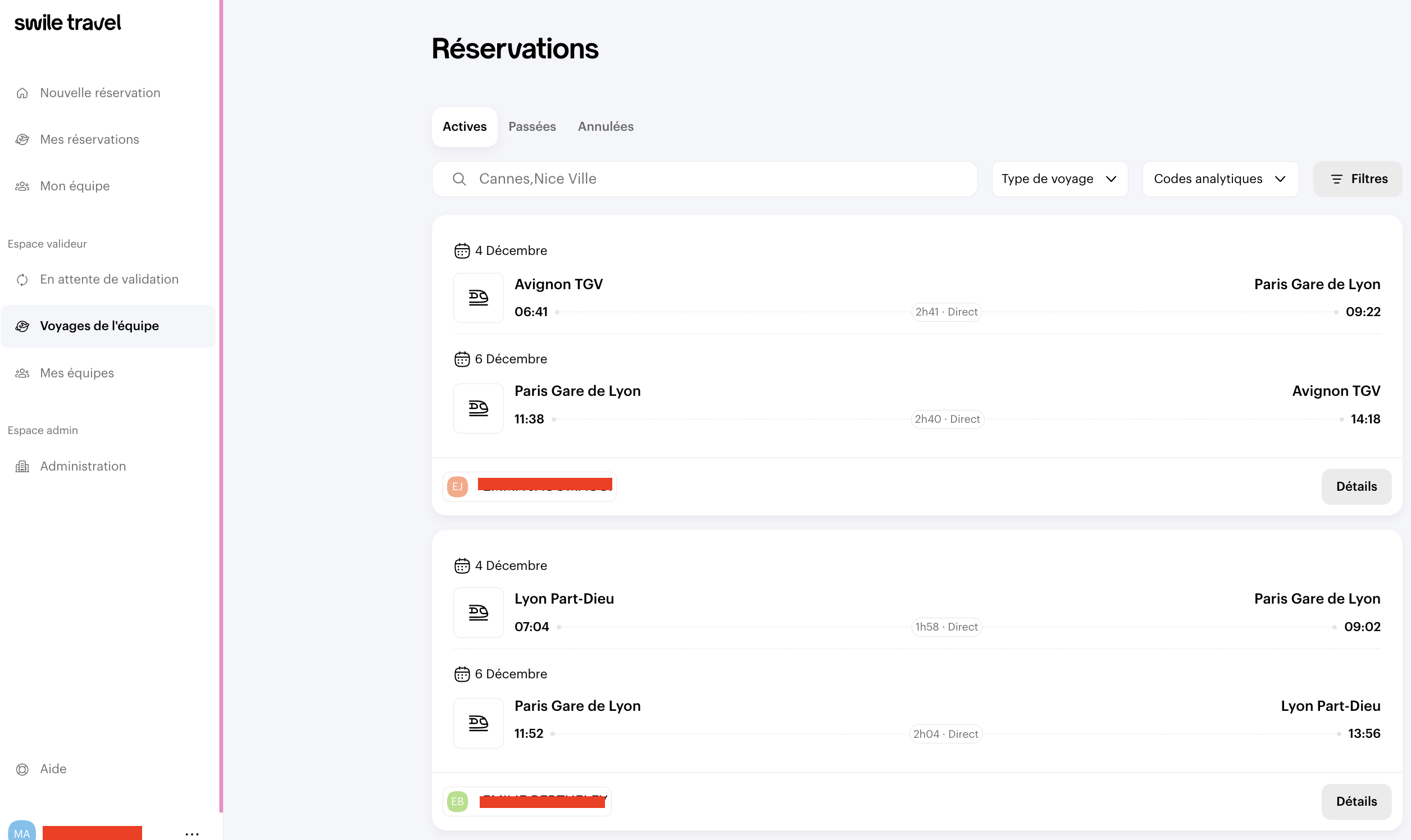
- Go directly to the Team Trips tab, where you'll see all current bookings for your team
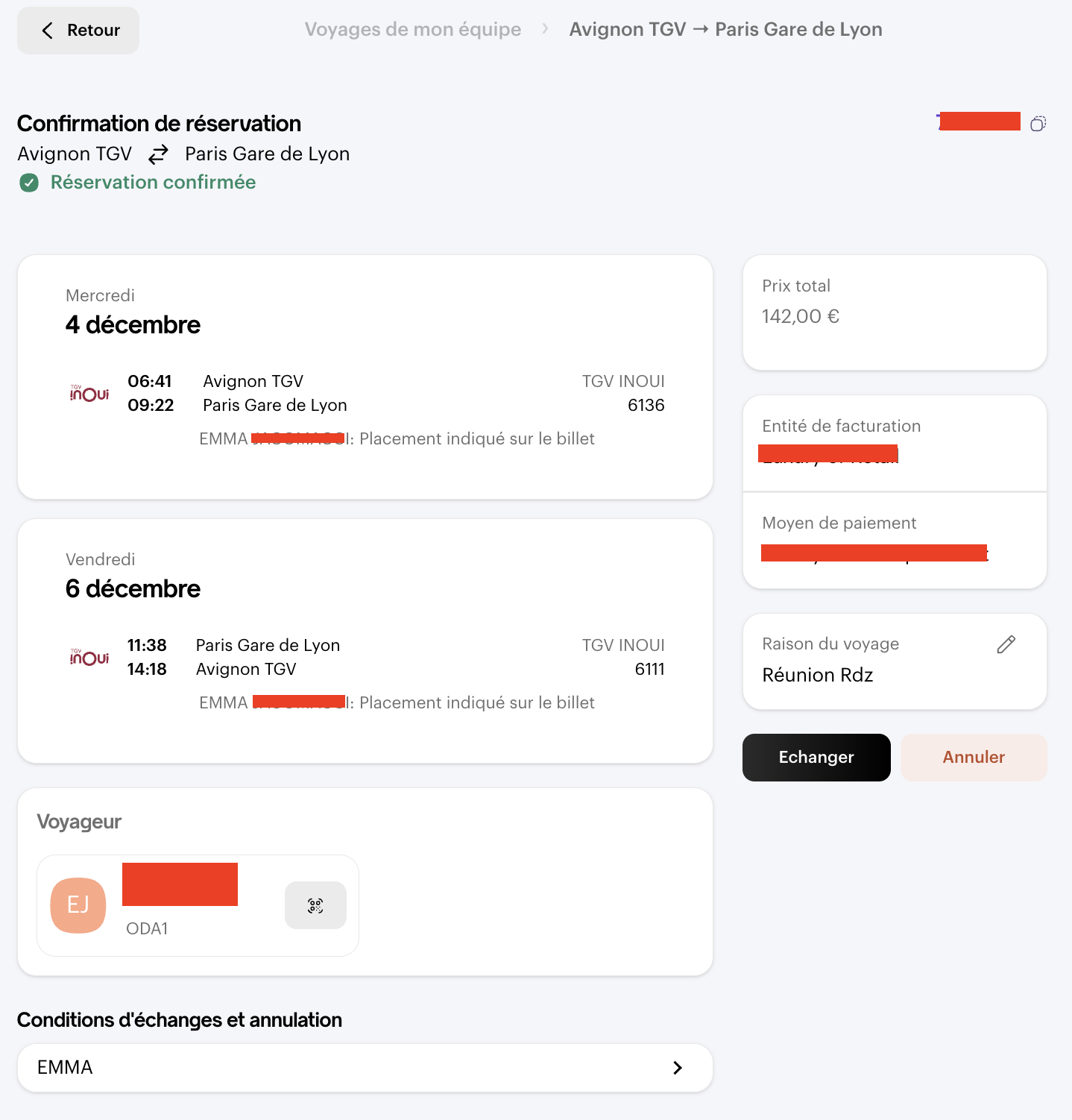
- Click on a booking to view its details
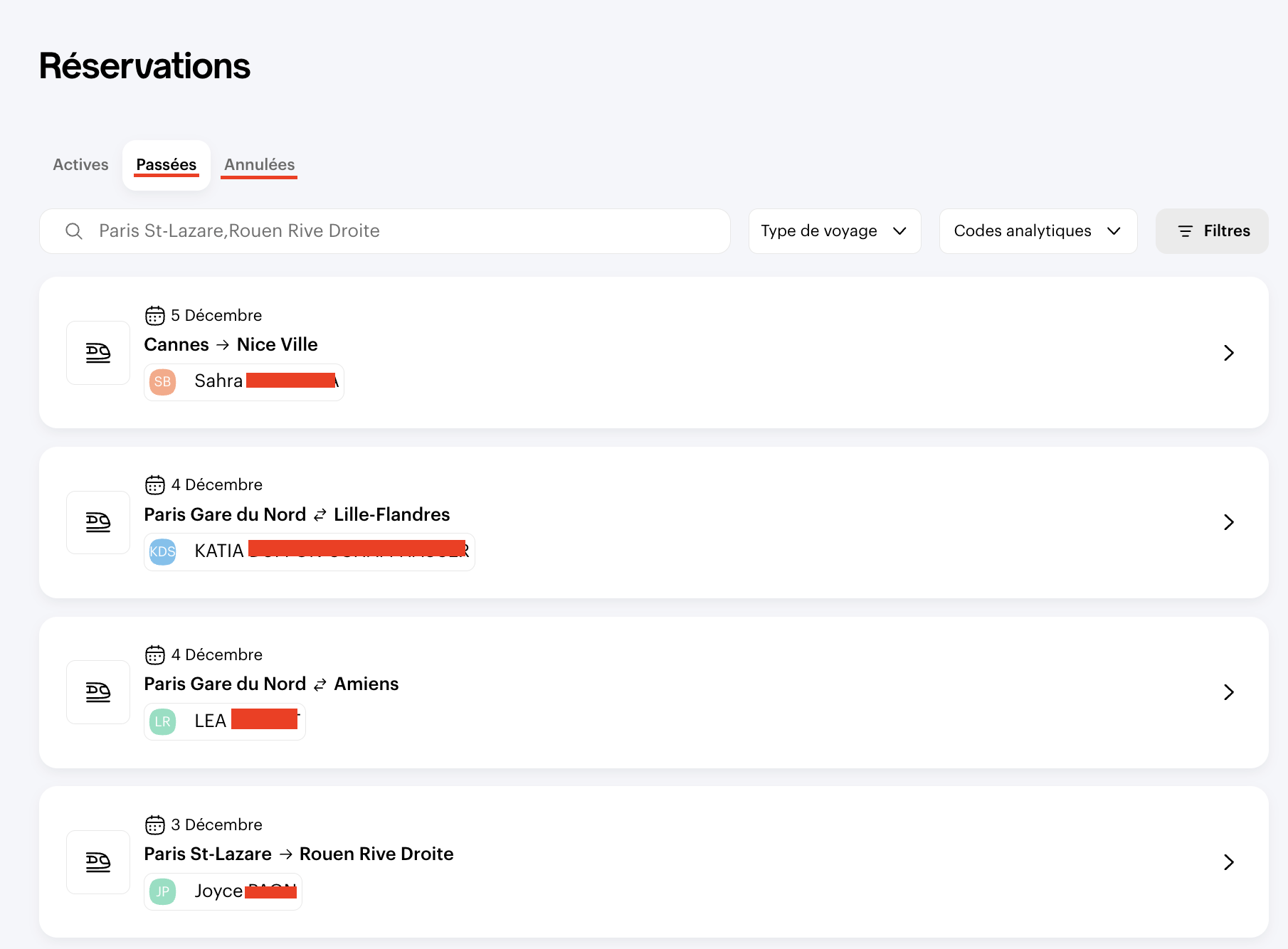
- You can also find Past and Cancelled bookings
From the Swile website
- Click on the Travel tab
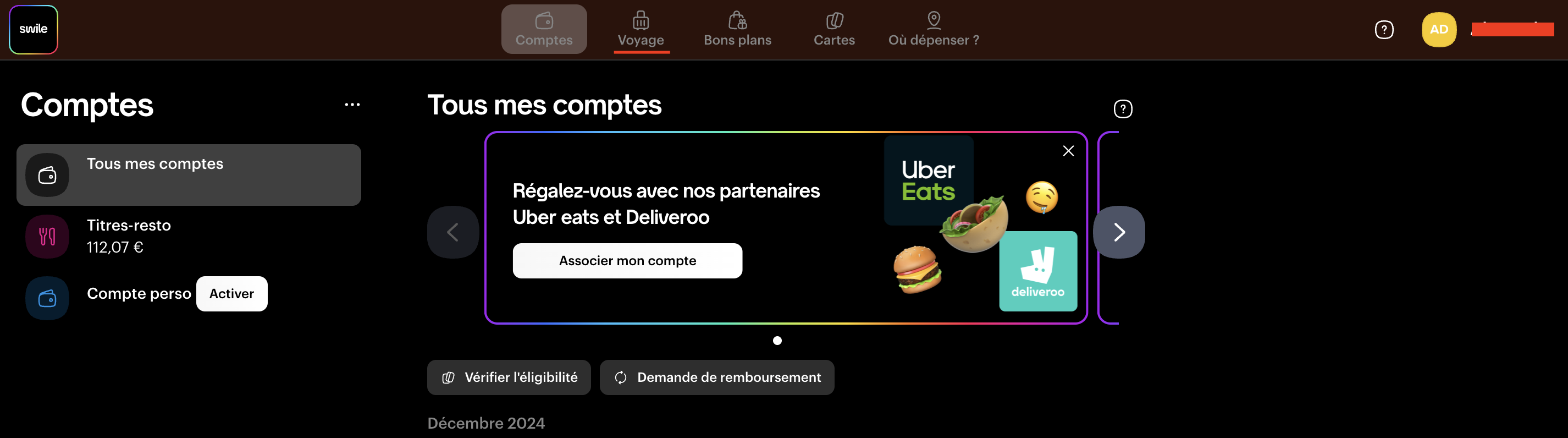
Click on “Team Trips” to access all current, past, or cancelled bookings for your team
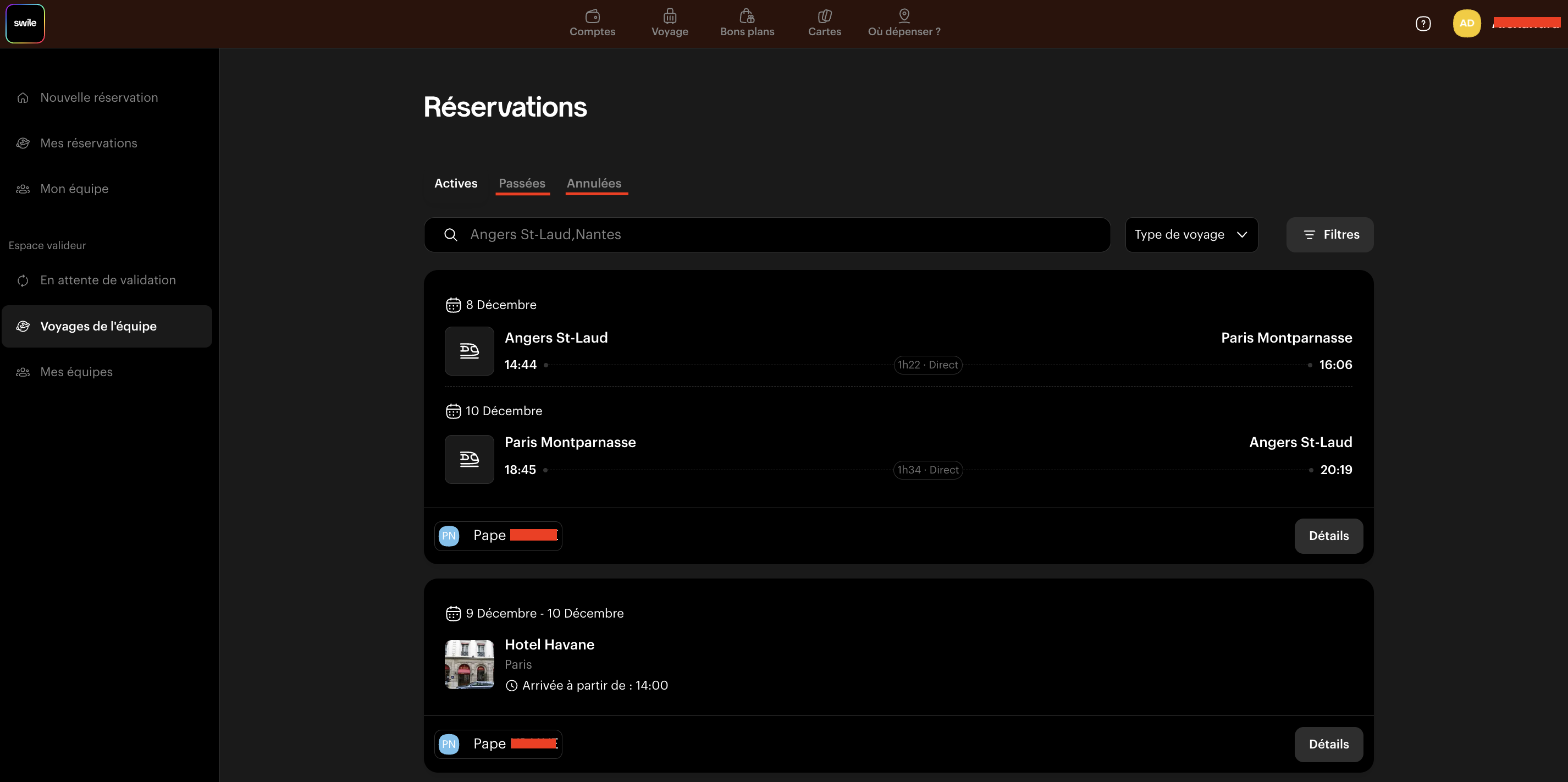
Click on a booking to view its details
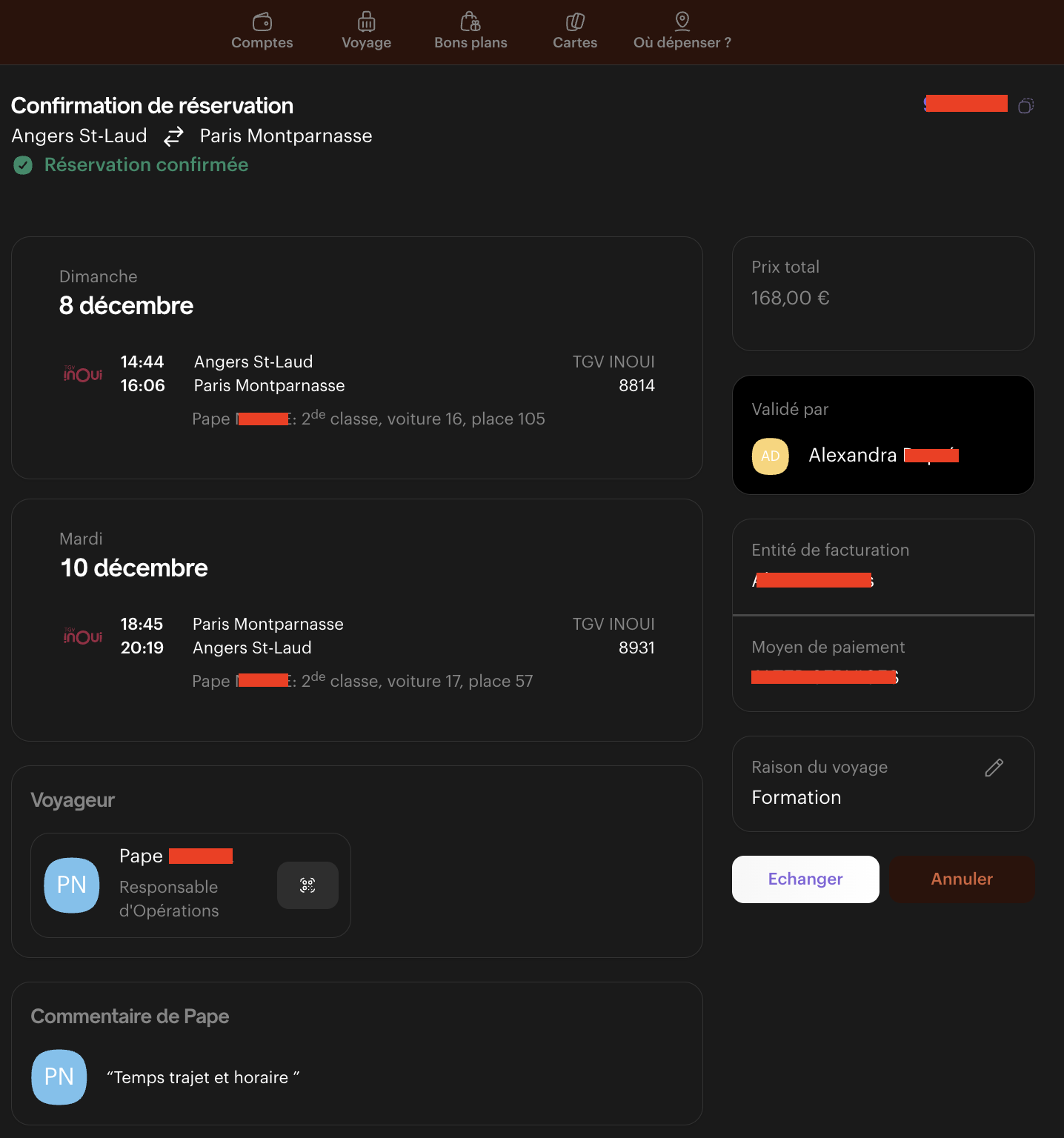
From the mobile app
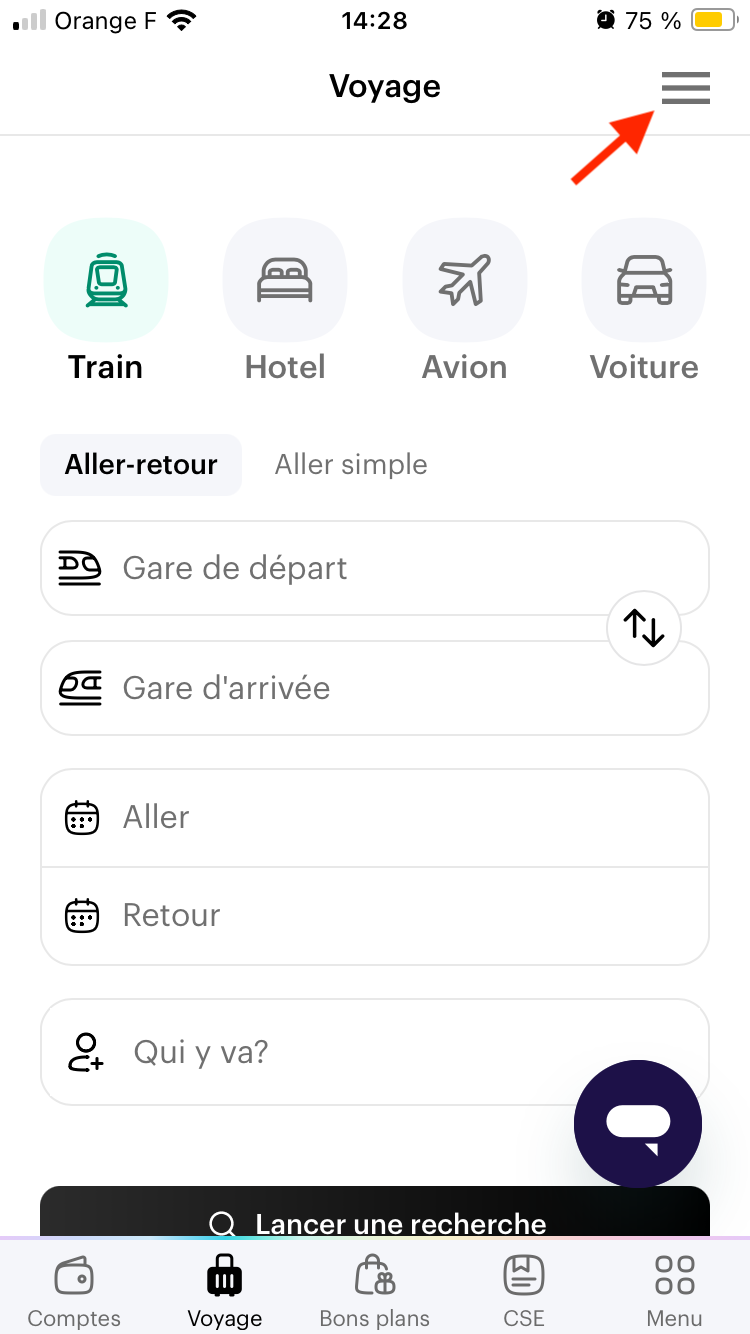
- Go to the Travel tab
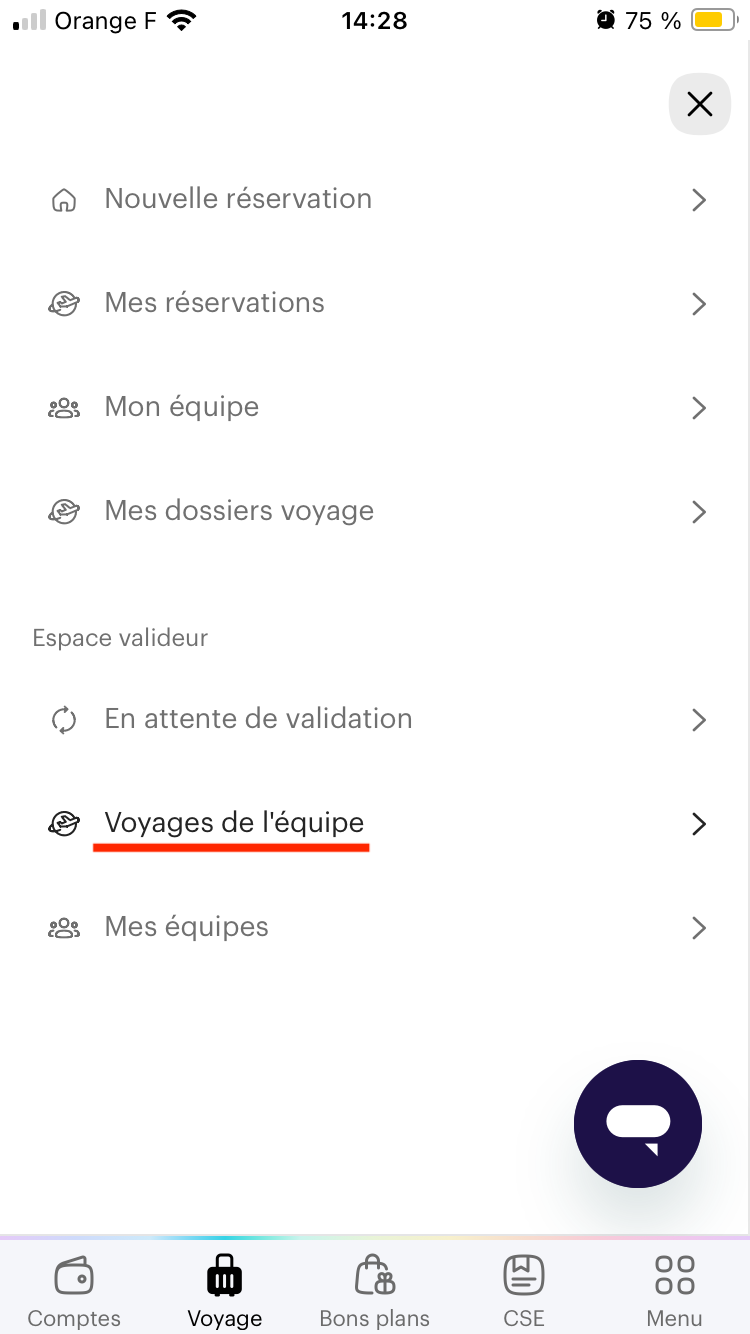
- Click on the options menu at the top right
- You'll see the Validator section where you can access your team's bookings
👩💻 Access bookings as an administrator
You can access the administration area from the Swile or Okarito website, but not from your app.
From the Okarito website
Go to the Administration area and click on Organisation Bookings. You will also find past and cancelled bookings on this page.
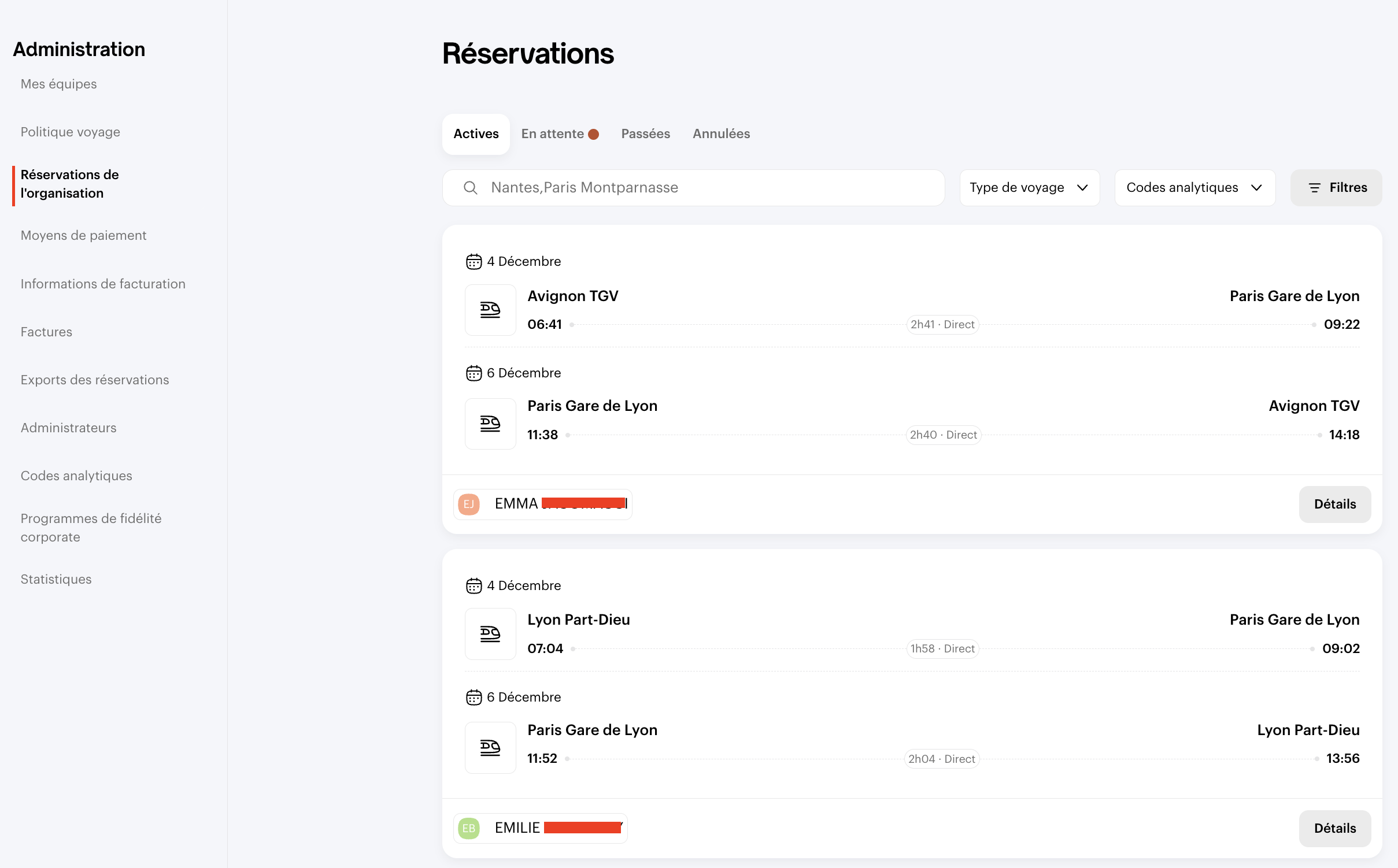
Simply click on a booking to view its details
From the Swile website
Click on your initials at the top right, then on Admin Area.
You will then have access to your entire organisation's bookings in the Business Travel tab.
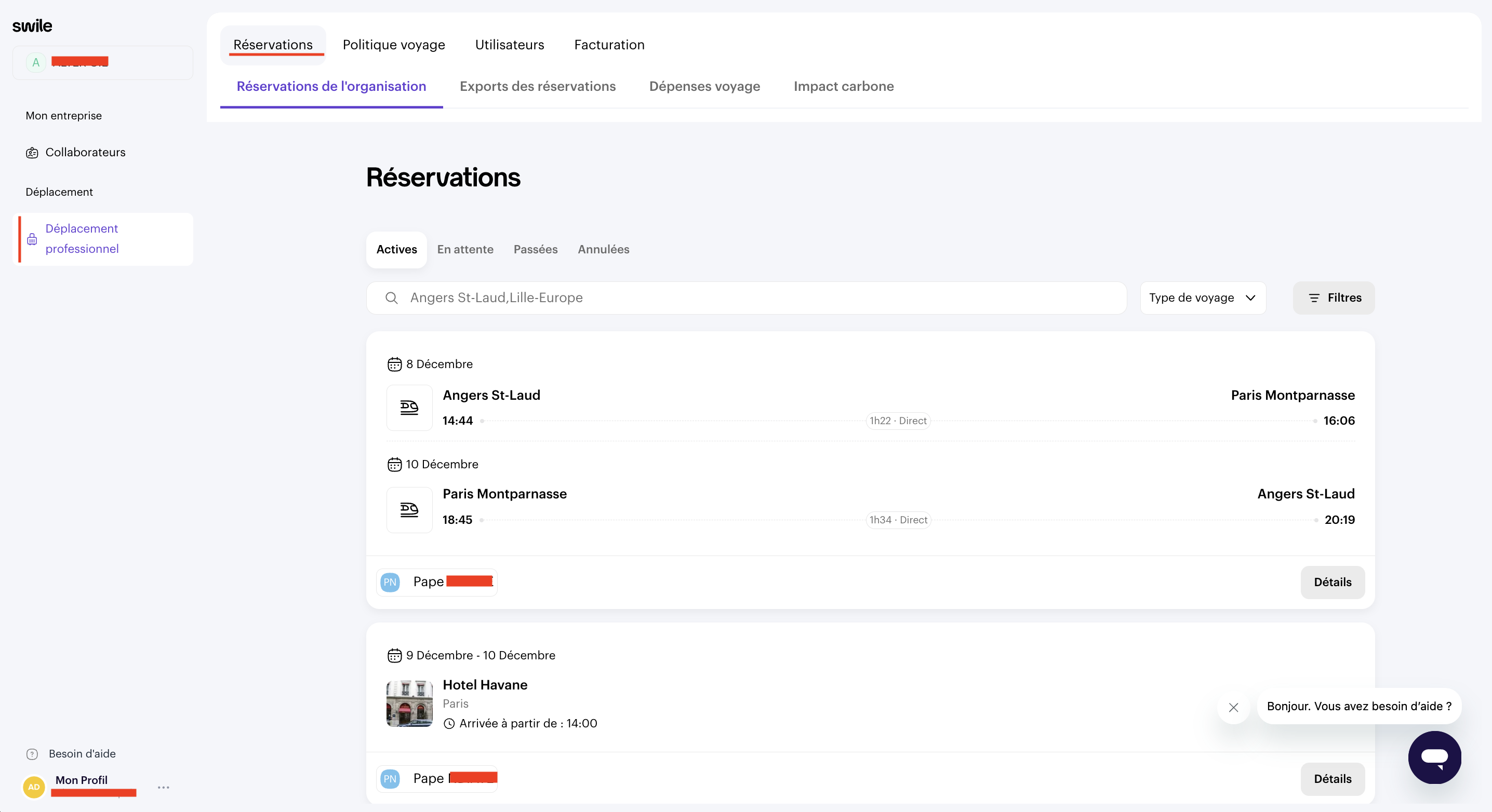
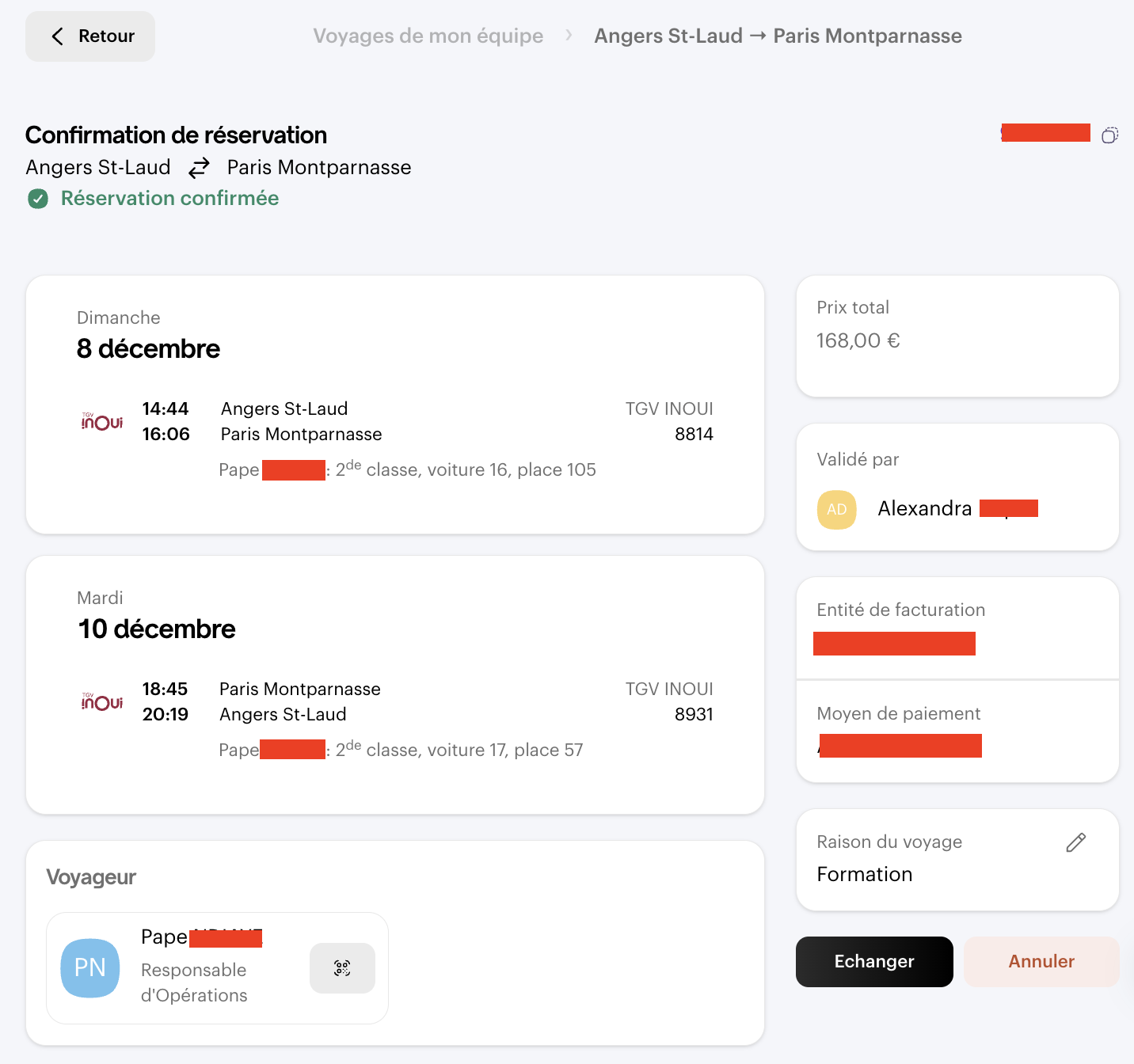
Click on one of them to view its details
Comments
0 comments